About
It started with a coffee bar.
My day job is product management. Woodworking started as a side thing, and my first big project was a coffee bar for our kitchen. We already had custom cabinets, so the new ones had to match.
It spiraled from there. I've since built everything from garage cabinets to my daughter's dresser.
Every project started the same way, with me getting frustrated in SketchUp. It's what most DIYers and YouTubers use, and I watched a lot of those videos. SketchUp is flexible and powerful. But it's hard to use for cabinets when you only do it every few months. I'm a technical person and I still spent more time fighting the model than planning the build.
So I put on my product manager hat. I took what I'd learned about cabinets and built the tool I wanted. You put in the dimensions and get everything you need to start cutting, without drawing anything.
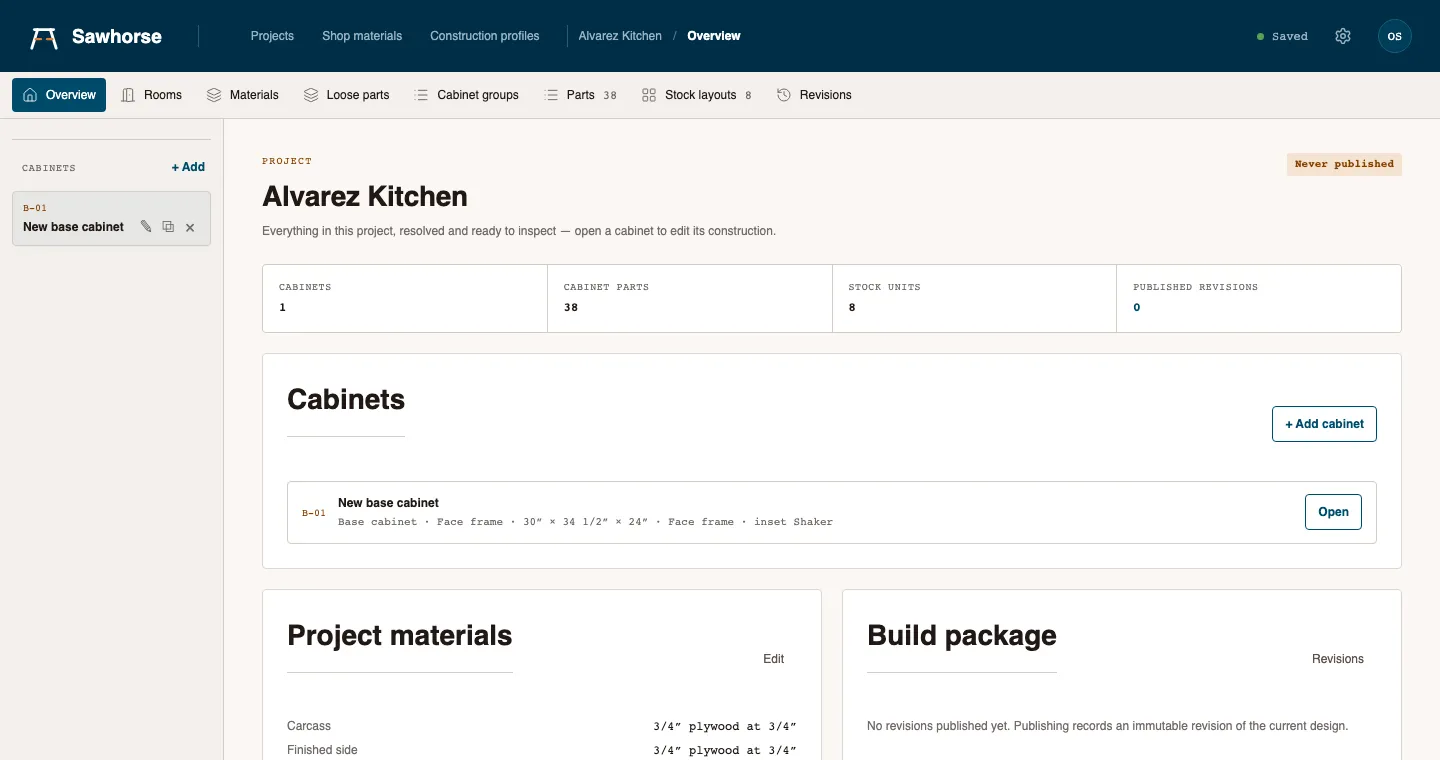
That's Cabinet Math. Enter the size and how you build, and it gives you the 3D model, cut list and sheet layouts. Change something and they all update.
Who it's for
DIYers like me, and shops of one to five people building kitchens, vanities and built-ins. You don't need a CNC, and you don't need to learn CAD.
Where it is now
It's in a private pilot. I'm letting people in a few at a time so I can actually help. If you try it, you're talking to me.
— Corey